The AI Keynote Presentation Maker that Captivates Every Audience

Stage-Ready AI Keynote Presentation Maker for Mac Users

Make your next presentation on Mac with HIX AI. Create polished, on-brand, fully editable keynotes in minutes.

From Anything to Polished Keynotes
Turn whatever you already have into a polished keynote. Type a text prompt, or upload documents, spreadsheets, and images, and HIX AI extracts the key ideas, data, and visuals to build an insight-rich, Mac-ready keynote in minutes.
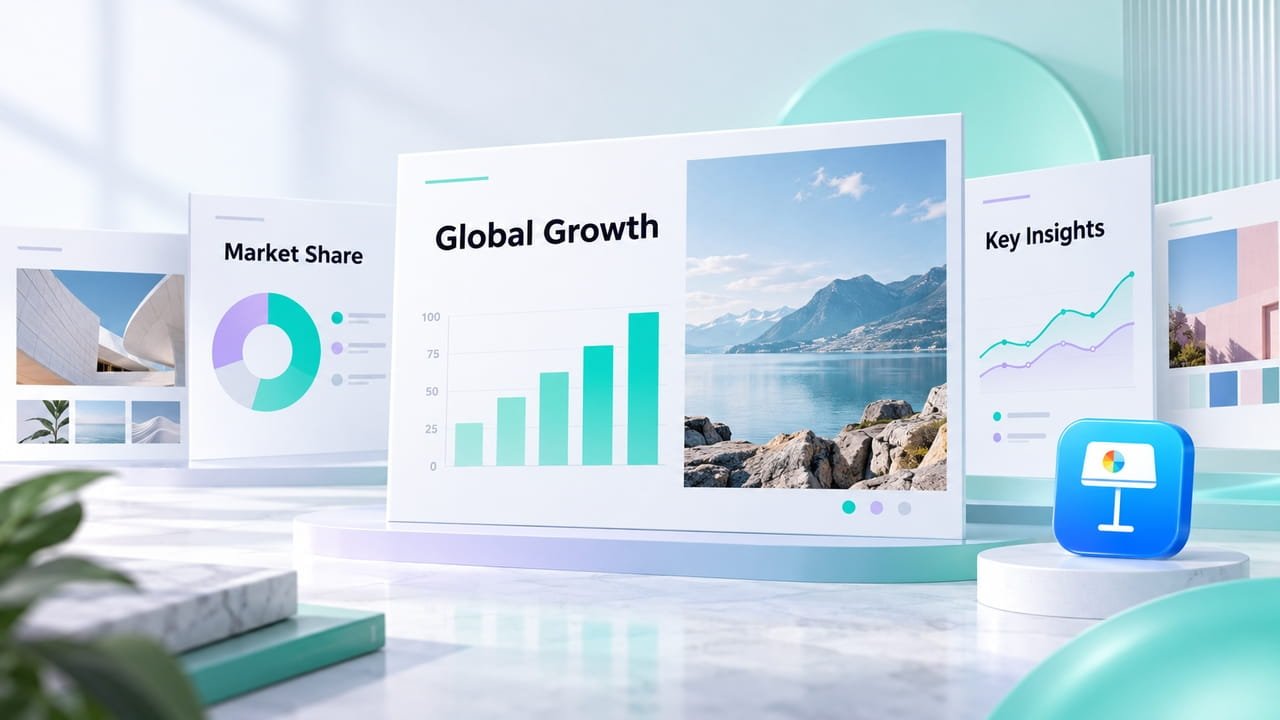
Designer-Quality Keynotes
Every keynote comes with professionally designed layouts, balanced typography, and cohesive color. Raw numbers from your spreadsheets or our research become clean charts. And we create proper images that fit your message perfectly.

Your Keynote Speaks Your Brand
Upload your logo, color palette, brand guidelines, or past presentations, and our keynote presentation maker learns your visual identity. Every keynote it generates looks like your design team made them.

Edit & Optimize with Full Freedom
Whether you start from scratch or a template, you stay in full control. Every element in your generated keynote, from text and charts to images, is editable. Customize every detail with ease and export high-impact slides, ready to present on your Apple device!
Keynote Maker for Every Kind of Presenter with Mac

Educators and Trainers
Turn complex topics into clear, engaging lessons and workshops without spending hours on slide design.
Sales and Marketing Teams
Create persuasive, on-brand keynote presentations quickly so you can spend more time connecting with clients and closing deals.

Entrepreneurs
Pitch investors, rally your team, and share your vision with Mac-compatible keynotes that make every idea land with impact.
Conference Speakers
Craft memorable talks that captivate large audiences and keep your message polished from the first slide to the final bow.
Create Your Keynote Presentation in 3 Simple Steps
HIX AI helps you go from simple ideas to a polished presentation ready for your Mac, in minutes.
- 1
Type a prompt, then upload from your Mac the files you need for your keynote presentation generation.
- 2
Start the generation, and HIX AI will go through all the steps–from research to polish–to create your keynote.
- 3
Fine tune anything of the output, from text, images to layouts, then export your keynote to your Mac and present with confidence.
Questions and Answers
Explore Our Other Tools